
 Arabic
  English
  Turkish
  Chinese
  Japanese
  Russian
  Spanish
  German
  French
  Hindi
Hindi Download Web & Programming 3.4.13 for Mac
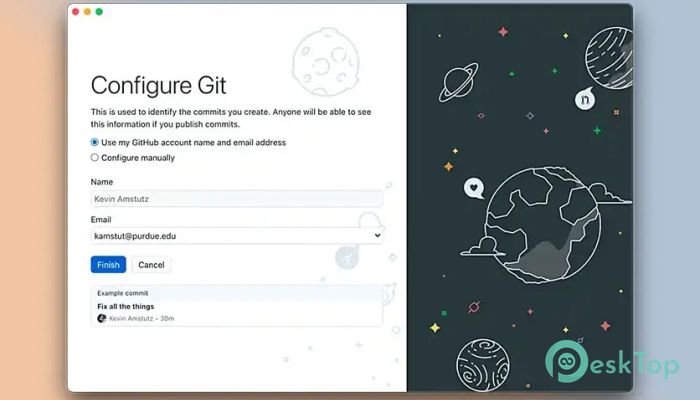
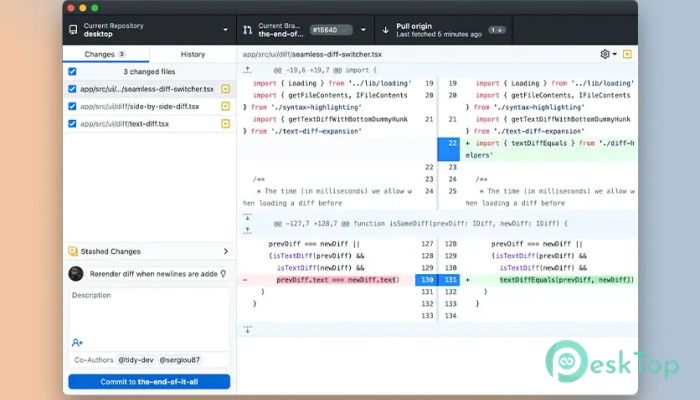
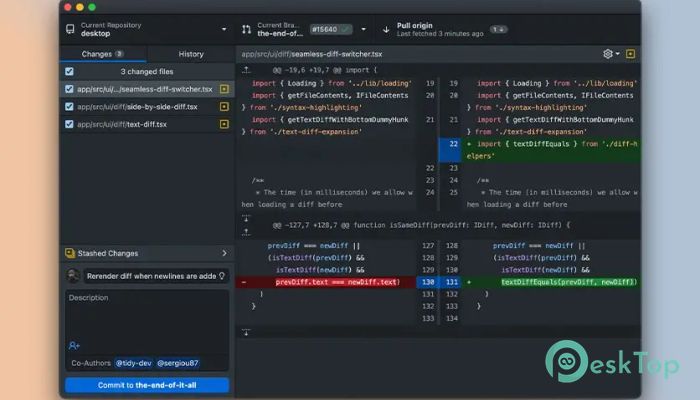
Free download GitHub Desktop 3.4.13 full version standalone offline installer for Windows Mac,
GitHub Desktop Overview
It streamlines the Git workflow, allowing users to manage their repositories easily. Whether you're working on personal projects or collaborating with a team, it simplifies version control, making it accessible to all levels of expertise.Features of GitHub Desktop
Simplified Version Control
This software simplifies the version control process, allowing users to track changes, revert to previous versions, and collaborate seamlessly. With an intuitive interface, managing branch commits and pull requests becomes effortless, enhancing productivity and workflow efficiency.
Visualized Collaboration
It visually represents your repository, making the project's structure and history easy to understand. Visualizing branch commits and pull requests helps team members collaborate effectively, ensuring everyone is on the same page and reducing the risk of errors.
Seamless Integration
It seamlessly integrates with GitHub, allowing users to sync their local repositories with remote ones effortlessly. Whether you're pushing changes, pulling updates, or resolving merge conflicts, it simplifies the process, ensuring smooth collaboration and project management.
Getting Started
Installation: To start with this tool, download and install the application on your PC. Once installed, you can sign in with your GitHub account or create a new one to manage your repositories.
User Interface: It features a user-friendly interface that makes navigating and managing your projects easy. The dashboard provides a comprehensive overview of your project's status and allows you to access your repositories, branches, commits, and pull requests.
Cloning Repositories: To work on an existing project, you can clone repositories directly from GitHub or other Git hosting services. It simplifies the cloning process, allowing you to access the codebase locally and start contributing without hassle.
System Requirements and Technical Details
Operating System: Windows 11/10/8.1/8/7
Processor: Minimum 1 GHz Processor (2.4 GHz recommended)
RAM: 2GB (4GB or more recommended)
Free Hard Disk Space: 500MB or more is recommended

-
Program size134.85 MB
-
Version3.4.13
-
Program languagemultilanguage
-
Last updatedBefore 10 Month
-
Downloads128Ralated programs
![Blisk]() Blisk
Blisk![Kitware Cmake]() Kitware Cmake
Kitware Cmake![JUCE C++ Framwork]() JUCE C++ Framwork
JUCE C++ Framwork![SQLPro for SQLite]() SQLPro for SQLite
SQLPro for SQLite![Gideros]() Gideros
Gideros![Native SQLite Manager]() Native SQLite Manager
Native SQLite Manager
 Blisk
Blisk Kitware Cmake
 JUCE C++ Framwork
 SQLPro for SQLite
 Gideros
 Native SQLite Manager